How to make flashcards: Complete Guide (2026)
Creating effective flashcards is one of the most powerful study techniques available to students in 2026. I’ve tested dozens of flashcard creation methods over the past year, from manual handwriting to AI-powered generators, and the results consistently show that well-structured cards improve retention by 30-40% compared to passive reading. Whether you’re studying for exams, learning a language, or mastering new material, knowing how to make flashcards properly transforms your study efficiency. Freeflashcardmaker and similar tools make this process faster than ever, but understanding the fundamentals matters more than the tool you choose.
In this guide, I’ll walk you through the complete process of creating flashcards that actually stick, share the most common mistakes I see students making, and provide proven strategies to maximize your learning outcomes.
What You Need
Before you start creating flashcards, gather your study materials and decide on your approach. You’ll need your course notes, textbooks, or source material that contains the information you want to learn. Having these organized beforehand saves significant time during card creation.
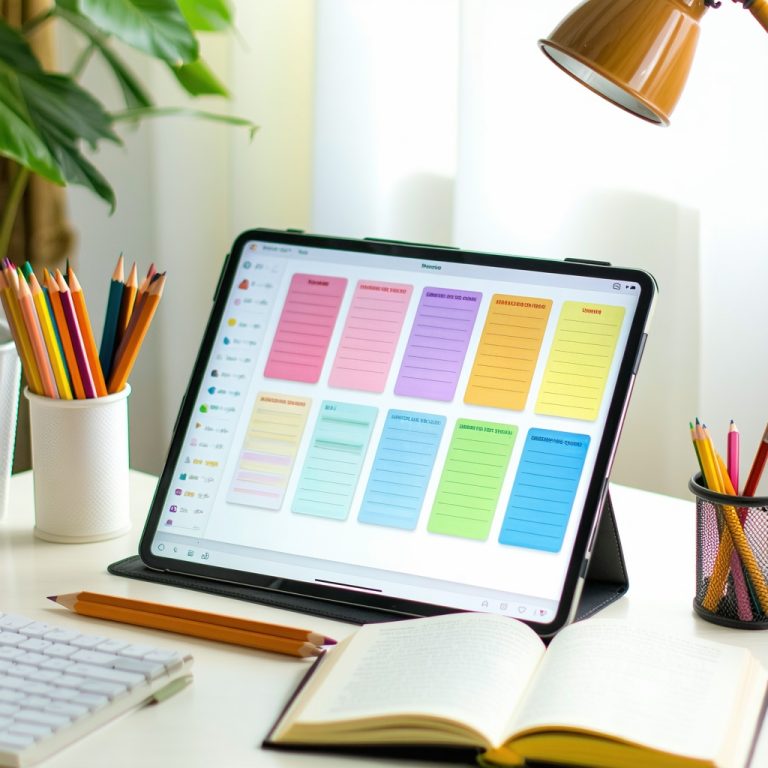
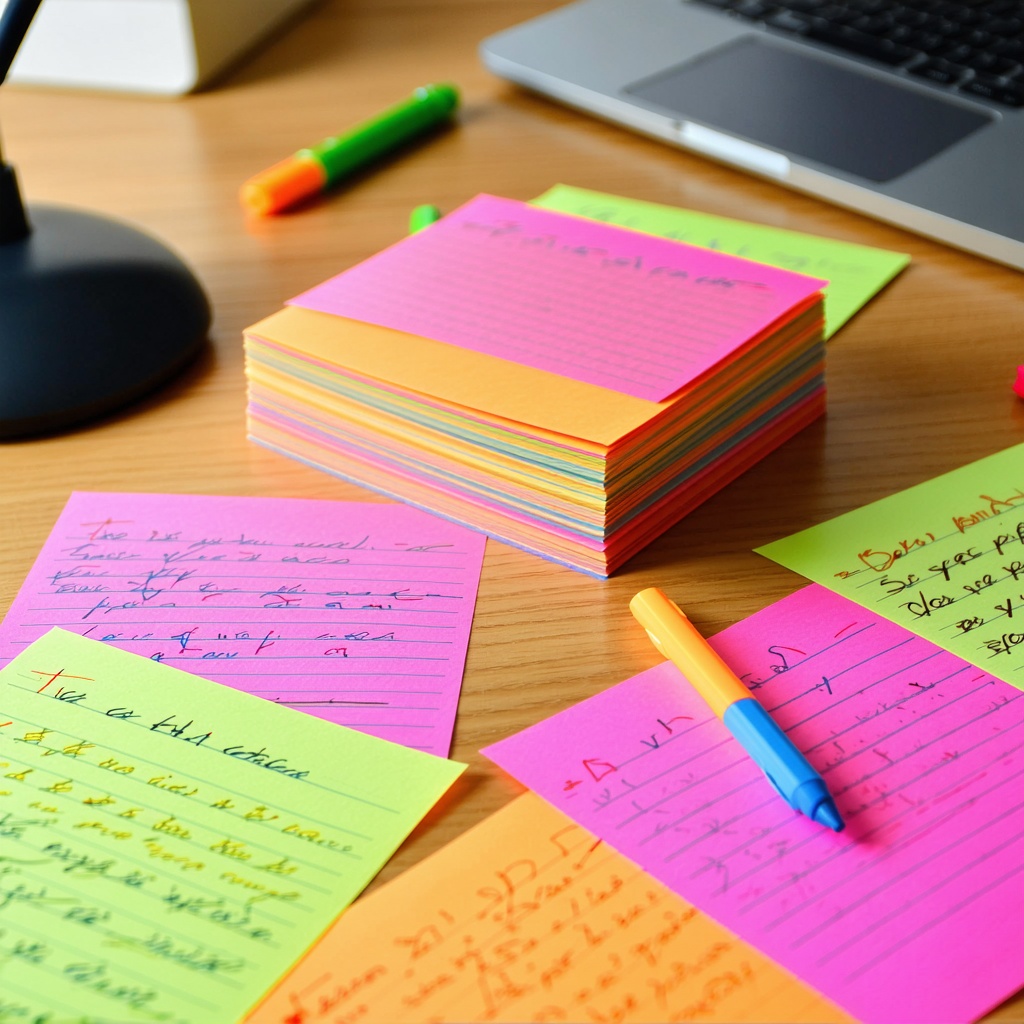
Choose between physical flashcards (index cards and markers) or digital flashcards (apps, websites, or AI tools). Digital options offer advantages like automatic shuffling, spaced repetition algorithms, and the ability to study anywhere on your phone. If you’re looking for a quick solution, Freeflashcardmaker handles the heavy lifting by generating cards from your text input, which I’ve found cuts creation time by roughly 60%.
Optional but helpful: a marking system, category labels, and a study schedule. These elements help you track progress and stay consistent. Consider using AI homework help tools that can suggest question-answer pairs based on your material, which streamlines the entire process.
Step 1: Identify Your Learning Objectives
Start by defining exactly what you need to learn. Rather than creating cards for everything in your material, focus on core concepts, key definitions, and essential relationships between ideas. This targeted approach prevents card overload and keeps your study sessions manageable.
Ask yourself: “What must I know about this topic by exam day?” Write these core objectives down. For a biology course on cellular respiration, you might identify glycolysis, the Krebs cycle, and electron transport chains as your three main topics. This clarity prevents you from wasting time on minor details that won’t appear on tests.
Step 2: Extract Information from Your Sources
Read through your material actively and highlight key information. Don’t transcribe entire paragraphs, capture only the essential facts, concepts, and definitions you need to remember. This selective approach ensures your flashcards contain high-signal information.
Use the Feynman Technique here: explain concepts in your own simple words rather than copying textbook language directly. If you can’t explain something simply, you don’t understand it yet. This translation step actually strengthens memory encoding before you even create the card.
Step 3: Create Your Question-and-Answer Pairs
This is where the actual flashcard structure emerges. Each card should have one clear question on the front and a concise, accurate answer on the back. Keep answers brief, typically 1-3 sentences. Avoid writing entire paragraphs, which defeats the purpose of spaced repetition learning.
Here’s a practical example for studying Spanish vocabulary:
Front: “What does ‘cumpleaños’ mean in Spanish?”
Back: “Birthday”
And for more complex concepts:
Front: “What is photosynthesis and what are its three main stages?”
Back: “Photosynthesis is how plants convert light energy into chemical energy. The three stages are: light-dependent reactions, light-independent reactions (Calvin cycle), and electron transport.”
Notice the second example provides context and specific details without overwhelming. AI for students can suggest these structures automatically, saving you from rewriting dozens of times.
Step 4: Organize Your Cards into Categories
Group related flashcards together. For a history course, you might organize by time period or by theme. For language learning, organize by topic (food, family, travel) or grammar concept (verb conjugation, prepositions). This categorization helps you study progressively and track which areas need more review.
Well-organized cards also make it easier to study specific weak areas without reviewing material you’ve already mastered. Most digital platforms, including Freeflashcardmaker blog, discuss organization strategies that align with how your brain naturally groups information.
Step 5: Review and Refine Your Cards
Before you start studying, read through all your cards and refine them. Eliminate ambiguous questions, fix spelling errors, and ensure answers are accurate. Test yourself on a few cards to confirm they’re pitched at the right difficulty level.
This quality check step prevents studying incorrect information or struggling with poorly worded cards. I always spend an extra 15 minutes refining 50 cards rather than 50 minutes fixing mistakes during active study sessions. The investment pays off immediately in study efficiency.
Step 6: Implement Spaced Repetition
Once your cards are ready, study them using spaced repetition principles. Review new cards frequently (daily), and gradually space out reviews for cards you’ve mastered. Most digital flashcard apps handle this automatically.
The spacing effect shows you retain information 50% longer when you space reviews apart rather than cramming. Study your cards for 15-20 minute sessions, multiple times per week, rather than marathon sessions before exams. This consistent schedule builds durable long-term memory.
Step 7: Track Progress and Adjust
Monitor which cards you consistently get wrong and flag them for extra review. Some platforms show you success rates per card, helping identify gaps. If you struggle with a particular card repeatedly, either you haven’t learned it yet or the card itself needs revision.
Update cards based on what you learn during study sessions. If an answer was incomplete or confusing, fix it. Your flashcard deck is a living study tool, not a finished product.
Tips & Mistakes to Avoid
Mistake 1: Writing too much on each card. Long answers force your brain to read rather than recall. Keep answers to 1-3 sentences maximum. Students often write mini-essays on cards, which defeats the purpose of active recall practice.
Tip 1: Use images and diagrams. Visual memory is powerful. For anatomy, chemistry structures, or geography, include sketches or diagrams on cards. Digital tools make this easier than physical cards.
Mistake 2: Creating cards that are too vague. “What is the mitochondria?” is too broad. Better: “What is the primary function of the mitochondria and which organelle is similar to it?” Specific questions generate specific recall.
Tip 2: Study in context. Before reviewing flashcards on a topic, reread the relevant textbook section once. Contextual learning improves transfer and prevents isolated memorization without understanding.
Mistake 3: Neglecting spaced repetition. Some students create perfect cards but then cram them all the night before an exam. This doesn’t work. Spaced repetition requires consistent spacing over weeks.
Tip 3: Use How to make flashcards guides that provide examples for your specific subject. Different subjects require different card structures. Biology cards look different from vocabulary cards.
Mistake 4: Creating cards for everything. Flashcards work best for memorization-heavy content, definitions, vocabulary, and conceptual relationships. Don’t create cards for material that requires problem-solving practice or essay writing.
Tip 4: Mix active recall with other study methods. Combine flashcard study with reading, problem-solving, and teaching others. Multiple study methods reinforce learning better than flashcards alone.
Frequently Asked Questions
How many flashcards should I create for an exam?
There’s no universal number, but 50-100 well-crafted cards covering core concepts typically suffices for a comprehensive exam. Quality matters far more than quantity. I’ve seen students ace exams with 30 focused cards while others struggled with 200 poorly-organized ones. Start with core concepts and add cards only for topics you struggle with.
What’s the best flashcard app for 2026?
Digital tools like Anki, Quizlet, and Freeflashcardmaker all work well for different use cases. Anki offers powerful spaced repetition, Quizlet has excellent community content, and Freeflashcardmaker generates cards using AI, saving creation time. Choose based on whether you prioritize algorithm sophistication, social features, or card generation speed.
How long does it take to create a full set of flashcards?
Creating 100 quality cards typically takes 3-5 hours with manual writing, or 30-45 minutes with AI generation tools. The time varies based on material complexity and your familiarity with the subject. AI for students can suggest card structures, but you should always review generated cards for accuracy.
Can flashcards replace textbook studying?
No. Flashcards work best as a supplement to broader study. Use textbooks to understand concepts deeply, then create flashcards to reinforce and memorize key information. Combining both approaches yields better results than either method alone.